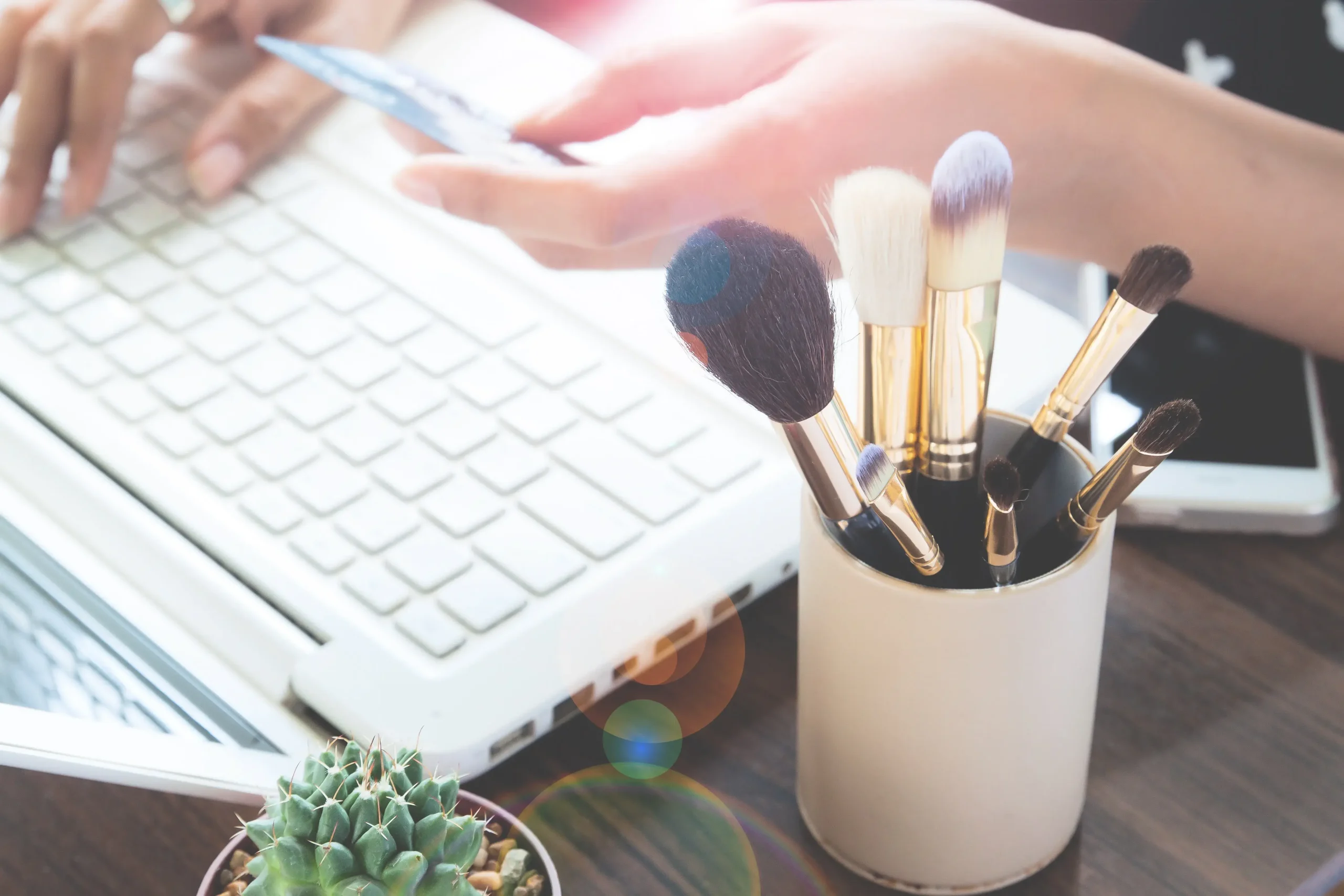
In 2026, a beauty salon’s website can no longer be just a pretty page with a phone number, address, and a few interior photos. For customers, it’s a quick way to find out what services are available, how much they cost, which stylists are available, whether they can book online, and whether the salon is even trustworthy.
The beauty industry lives on mobile. A client might see a haircut on Instagram, remember she needs a manicure in the evening, search for an eyebrow specialist during her lunch break, or book an appointment urgently before an event. If the website doesn’t help her choose a service and time at that moment, it isn’t doing its job.
That’s why developing a website for a beauty salon shouldn’t revolve around “presenting the salon,” but around the client’s actions: browse, choose, compare, book, and return. Below are ten features that make a website not just beautiful, but useful for the salon and convenient for visitors.
Online booking without calling the administrator
Online booking is the first feature without which a beauty salon’s website will look outdated in 2026. It’s inconvenient for customers to call, wait for a response, check for available slots, and ask about prices. They want to open the website, choose a service, a stylist, a date, and a time, and book an appointment in a minute.
This is especially important in the evening. Many book appointments after work, when the receptionist is no longer available. If the website accepts requests 24/7, the salon doesn’t lose these customers.
Online booking must be linked to the actual schedule, not just a “we’ll call you back” form. Otherwise, there’s a risk of double bookings, confusion with stylists, and dissatisfied customers.
Key features to include:
- service selection;
- technician selection;
- availability calendar;
- appointment confirmation;
- customer notification;
- administrator notification;
- option to cancel or reschedule;
- integration with CRM or calendar.
A good booking process doesn’t make the customer think. It guides them along a simple path: service — technician — time — confirmation.

A price list that’s transparent and straightforward
Beauty salons still have a strange habit of not displaying their prices. The reasoning is understandable: costs can vary depending on hair length, the complexity of the coloring, the stylist’s skill level, and the materials used. But the complete absence of a price list often works against the salon.
Clients need a reference point. They don’t want to book blindly and find out the price only once they’re in the chair. This is unpleasant and erodes trust.
It’s best to organize the price list by categories:
| Category: | Best ways to list prices |
| Hair | Haircut, color, treatment, styling, price based on length |
| Nails | Manicure, polish, strengthening, design, removal |
| Eyebrows and Eyelashes | Eyebrow shaping, tinting, laminating, extensions |
| Cosmetology | Consultation, treatments, courses, prices “starting at” |
| Massage / Body | Service type, duration, package deals |
| Barber Services | Haircut, beard, care, package |
If the price depends on certain factors, this should be clearly explained: “starting at,” “depends on length,” or “exact price available after consultation.” The key is not to leave the customer in the dark.
An interactive price list is more convenient than a standard list. The customer selects a category, sees the services, duration, and price, and can book immediately. This feature reduces the workload on the administrator because some questions are answered directly on the website.
A gallery of work that shows the end result, not the process
In the beauty industry, visuals matter a great deal. People aren’t just choosing a service—they’re choosing the result: the shape of their eyebrows, the shade of their blonde hair, the precision of their manicure, the quality of their makeup, and the style of their haircut. That’s why a portfolio shouldn’t be a random collection of photos, but a practical tool for making a choice.
Stock images don’t work here. Clients want to see the salon’s actual work, not perfect images from a photo bank. This is especially true when it comes to hair coloring, complex nail designs, cosmetology, eyebrows, makeup, or barber services.
It’s best to organize the gallery by category:
- hair;
- coloring;
- manicure;
- eyebrows;
- eyelashes;
- makeup;
- cosmetology;
- barber services;
- work by specific stylists.
The “before and after” format is particularly useful, but it needs to be done carefully: use the same angle, natural lighting, and real results—without excessive editing. If the photo looks too artificial, it undermines credibility.
It’s helpful when you can go directly from the gallery to the stylist or service. A client sees the work—and shouldn’t have to search for who did it. A “Book this service” or “Book this stylist” button shortens the path to booking.
Profiles of professionals to help you choose the right person
When choosing a beauty salon, it’s not just about the brand. Very often, it’s the stylist who matters most. A client might come specifically to see a colorist, eyebrow specialist, nail technician, esthetician, or barber. That’s why the “Our Team” page shouldn’t be just a formality.
A technician’s profile should answer simple questions: who this specialist is, what their strengths are, what services they offer, what experience they have, and whether you can see examples of their work.
The service provider’s profile should include:
- a photo;
- specialization;
- experience;
- services;
- certifications or training;
- portfolio;
- reviews;
- working days;
- booking button.
A short description from a stylist can also be effective if it’s written in a lively, engaging way. Instead of “highly qualified generalist,” use a few specific phrases: what techniques they use, what they love about their profession, and what types of client requests they most frequently fulfill.
Stylist profiles are especially important for salons with different levels of specialists. If you have a top stylist, a senior stylist, a junior stylist, or an art director, it’s best to explain this on the website. That way, the client understands the difference in price and expectations.
Reviews tied to services and stylists
Reviews aren’t just for “building trust.” At a beauty salon, they help people address specific concerns. Do they do a good job with blonde hair? Is the manicurist careful? Does the treatment hurt? How do they treat new clients? Do they run late on appointments?
A weak review sounds like this: “I liked everything, thank you.” It tells us almost nothing.
A strong review includes the following context:
- What service was provided;
- Which technician performed the work;
- What the request was;
- What the customer liked;
- Whether there are photos of the results;
- Whether the customer returned for another service.
Reviews can be displayed not only on a separate page, but also alongside services and stylists. If someone is looking at hair coloring, it’s more helpful for them to see reviews about hair coloring. If they’re choosing a cosmetologist, they should see reviews about cosmetology.
It’s also worth integrating Google Reviews. They help build trust and improve local search visibility. The key is not to replace all reviews with artificial “perfect” phrases. The beauty audience quickly senses insincerity.
CRM and automated reminders
A CRM for a beauty salon isn’t a complex system “for large chains.” It’s a standard operational database: clients, visits, services, stylists, service history, reminders, loyalty programs, and repeat bookings.
If the website is integrated with the CRM, online bookings aren’t lost. The administrator can see who booked, which service, with which stylist, and at what time. The client receives a confirmation and a reminder before the visit.
This is especially important for a busy schedule. One missed appointment isn’t just “the client didn’t show up.” It’s a technician’s open slot, lost revenue, and a disrupted schedule.
CRM helps you:
- keep a record of visits;
- send SMS or messaging app reminders;
- launch loyalty programs;
- identify popular stylists and services;
- bring back customers after a hiatus;
- analyze average spend;
- track repeat appointments.
As a salon grows, manual management quickly becomes a hindrance. CRM eliminates some of the chaos and helps the administrator work more calmly.
A mobile version built from the ground up, not just “adapted”
Most beauty salon customers visit the website on their smartphones. Therefore, the mobile version shouldn’t just be a scaled-down version of the desktop site. It should offer a separate, user-friendly experience: quickly select a service, check the price, view the gallery, and book an appointment or call.
Everything matters on a mobile device: button size, loading speed, menu usability, form functionality, photo swiping, clickable phone numbers, maps, and messaging apps. If it’s difficult to sign up on the mobile version, the site loses customers.
What should be on the mobile version:
- a sticky “Sign Up” button;
- quick call;
- messaging apps;
- a short menu;
- an easy-to-read price list;
- swipeable gallery;
- specialist profiles;
- map and directions;
- quick booking form.
Pay special attention to speed. If the portfolio gallery takes too long to load, the customer won’t wait. A beauty website should be visually appealing but not heavy.

Promotions, gift certificates, and loyalty programs
Promotions at a beauty salon are effective if they are timely and well-designed. A discount for a first-time visit, a “haircut + treatment” package, a seasonal treatment, a gift certificate, or a referral bonus—all of these can attract new customers and bring back regulars.
But the promotions page needs to be updated. If a New Year’s offer is still up in July, the site looks neglected. It’s better to have fewer promotions, but ones that are up-to-date.
The following work well:
- a discount on the first visit;
- service packages;
- gift certificates;
- review bonuses;
- “bring a friend” program;
- memberships;
- skincare packages;
- seasonal offers;
- personalized birthday discounts.
It’s best to create a separate section for gift certificates. People often buy them as gifts rather than for themselves. This means you need to clearly explain the face value, expiration date, payment methods, and how to receive the certificate—whether it’s an electronic or physical one.
A blog and tips that drive traffic from Google
A beauty salon’s blog shouldn’t just be a “check-the-box” section. Posting random news there is of little use. But if you create content that addresses clients’ real questions, the blog becomes an additional channel for attracting customers.
People are searching for:
- how to care for colored hair;
- what manicure styles are trending right now;
- how eyebrow lamination differs from dyeing;
- how to prepare for a facial;
- how to choose a haircut style;
- why the color chips off quickly;
- how to preserve color after dyeing.
Articles like these can drive traffic from Google. People come looking for advice, see the salon, check out the work, learn about the stylists, and book an appointment.
The content should be practical. Not vague platitudes about beauty, but real advice: what to do, what to avoid, when it’s best to book an appointment, and how to make the results last longer. A blog like this works for both SEO and building trust.

Speed, security, and reliable performance
The technical side of a beauty salon’s website is usually invisible to customers. But when it breaks down, it immediately affects bookings. If a form doesn’t submit, the site won’t load, the schedule freezes, or a page takes too long to load—the customer will simply choose another salon.
The website must be fast, secure, and regularly maintained. This is especially true if it includes online booking, a CRM, client accounts, forms, a gallery, and integrations.
The bare minimum you need:
- An SSL certificate;
- Reliable hosting;
- Backups;
- Form spam protection;
- CMS and module updates;
- Image optimization;
- Speed monitoring;
- Checking online registration after updates;
- Stable performance on mobile devices.
Technical support isn’t just a “nice-to-have.” It’s your safety net in case your website stops accepting bookings at the worst possible moment: right before the weekend, a holiday, or a peak season.
A good beauty salon website should help customers quickly move from initial interest to making an appointment. Even if it’s not a large, multi-page site but rather a landing page, it should immediately highlight the essentials: the service, price, stylists, examples of work, reviews, available appointment times, and appointment confirmation.
For the business, the website should do even more: reduce the admin’s workload, collect requests, send appointment reminders, display analytics, promote special offers, bring customers back, and support the salon’s brand.
Creating a beauty salon website in 2026 is no longer just about a pretty page with photos. It’s about integrating services, visuals, schedules, CRM, a mobile version, content, and stable technical performance.
Estetic Web Design develops these websites not as a decorative showcase, but as a practical tool for salon bookings and growth. When online booking, pricing, stylists, a gallery, reviews, CRM, and a mobile version work together, the website starts to generate not just page views, but actual visits.
Leave a Reply